Works with scanned scores.
You don’t need a digital edition: a scanned PDF of the copies you sing from is enough. ab|takt puts the remarks on your own pages.
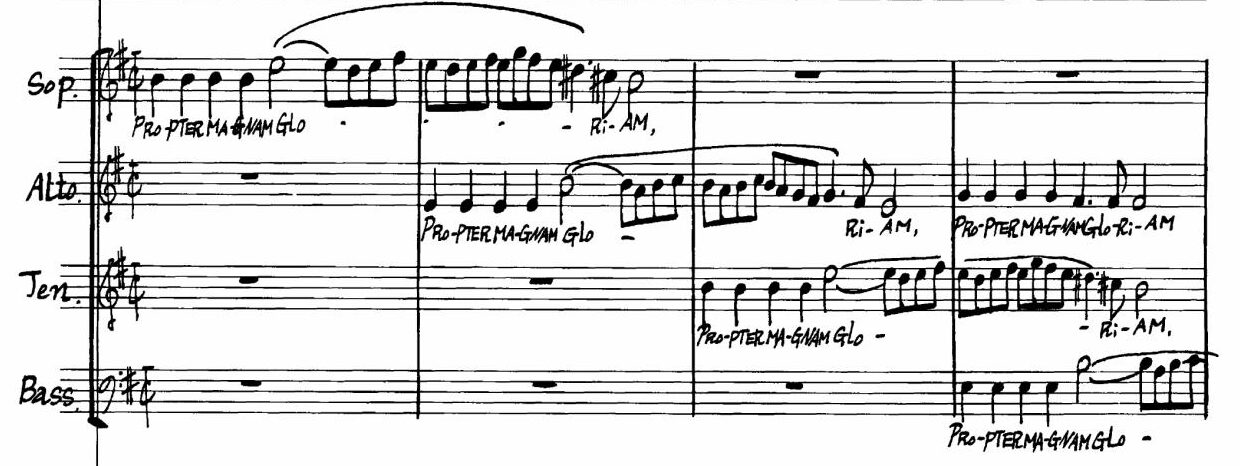
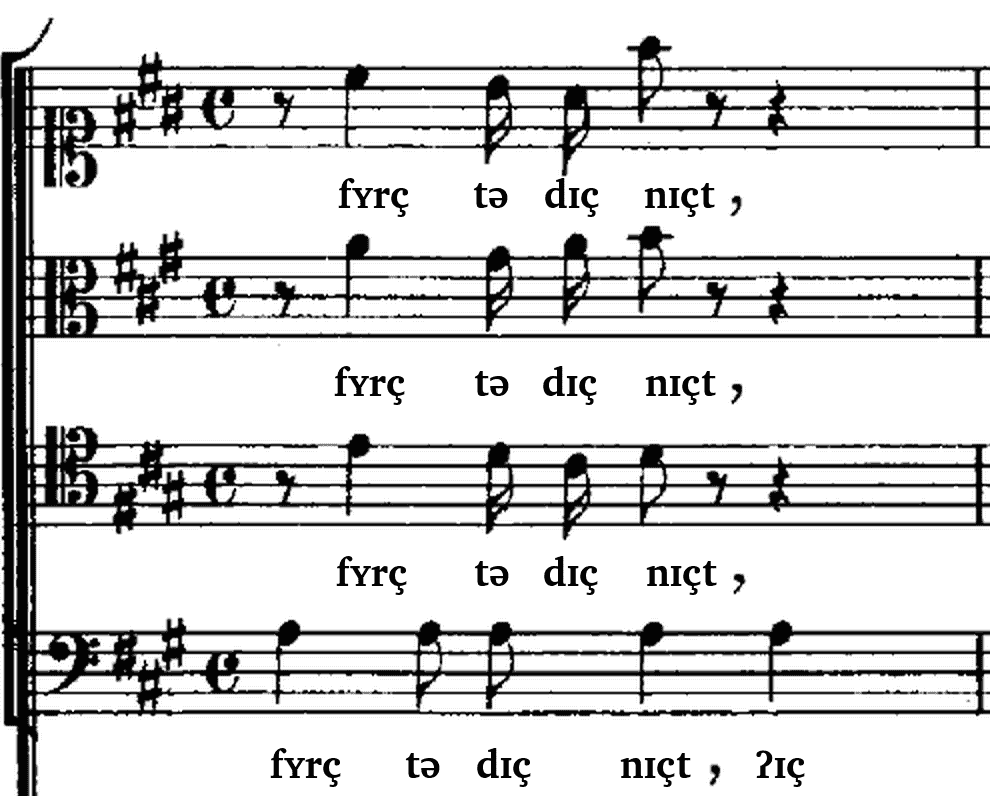
Vivaldi, Gloria – V. Propter magnam gloriam, bars 5–6. Kalmus (1967), scan IMSLP-EU, public domain.
What the conductor says in rehearsal appears afterwards at the right bar in your own score – in their own words, with the audio to check it.
You keep singing from your paper scores – only your conductor needs ab|takt.
To record: get the app on your phone. Scan the code – your phone opens the App Store or Google Play.
Prepare scores and see results large: abtakt.app in the browser
„Denkt dran, dass eure Vokale auf Zeit beginnen und nicht die Konsonanten. Wenn die Tenöre ‚Domine Fili‘ machen, höre ich das D exakt auf der Eins – ich muss es vor der Eins hören, weil ich das O auf der Eins hören muss. Da muss man sich trauen, denn sobald man versucht zu hören, bist du garantiert zu spät. Also grundsätzlich immer die Konsonanten vor der Zeit, wenn es losgeht.“
Translation: “Remember that your vowels should begin on the beat, not your consonants. When the tenors sing ‘Domine Fili’, I hear the D exactly on beat one. I need to hear it before beat one, because the O needs to be on the beat. You have to dare to do it: once you try to listen first, you will be late. So always put the consonants before the beat when you start.”
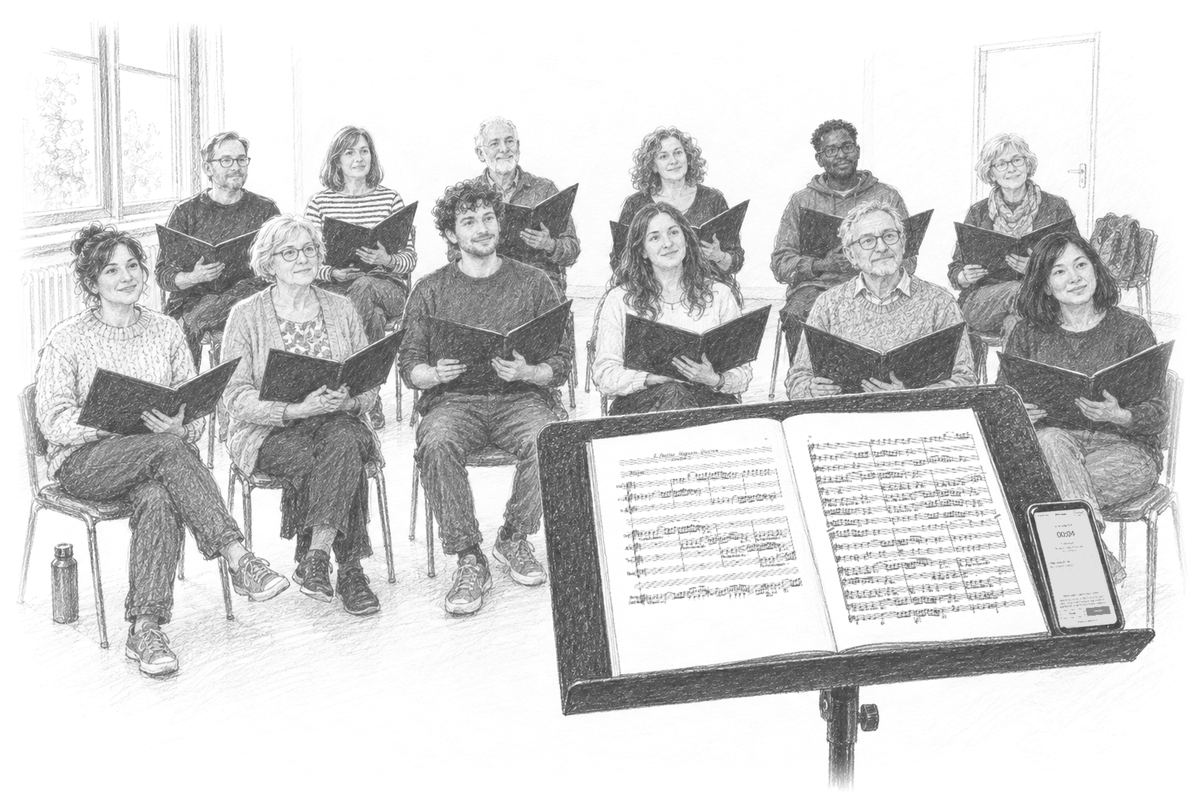
Put a phone on the conductor’s music stand, open the app or abtakt.app in the browser, and record. The app keeps recording with the screen locked; in the browser, keep the screen on, ideally plugged in. An existing recording works too.
Add the works you rehearsed as PDFs – after the rehearsal is fine. Tap “Transfer to score” – the first time, you sign in for it (email code, 18 and over) – and keep ab|takt open until the upload is done.
Each remark sits at its bar where ab|takt can place it, with a short summary, the conductor’s own words and the audio clip. Remarks it cannot place are listed. Send them as “Rehearsal notes” or print the score.
Do the singers need a tablet? No.
Only the conductor needs the app; the choir keeps singing from paper. After the rehearsal, send the remarks as text (“Rehearsal notes”) to the choir’s group chat or by email, or print the marked score. Nobody needs an app or an account to read them. Want singers to hear the clips too? Sign in, create a choir in ab|takt and share the remarks you choose. Members sign in with an email code (18 and over).
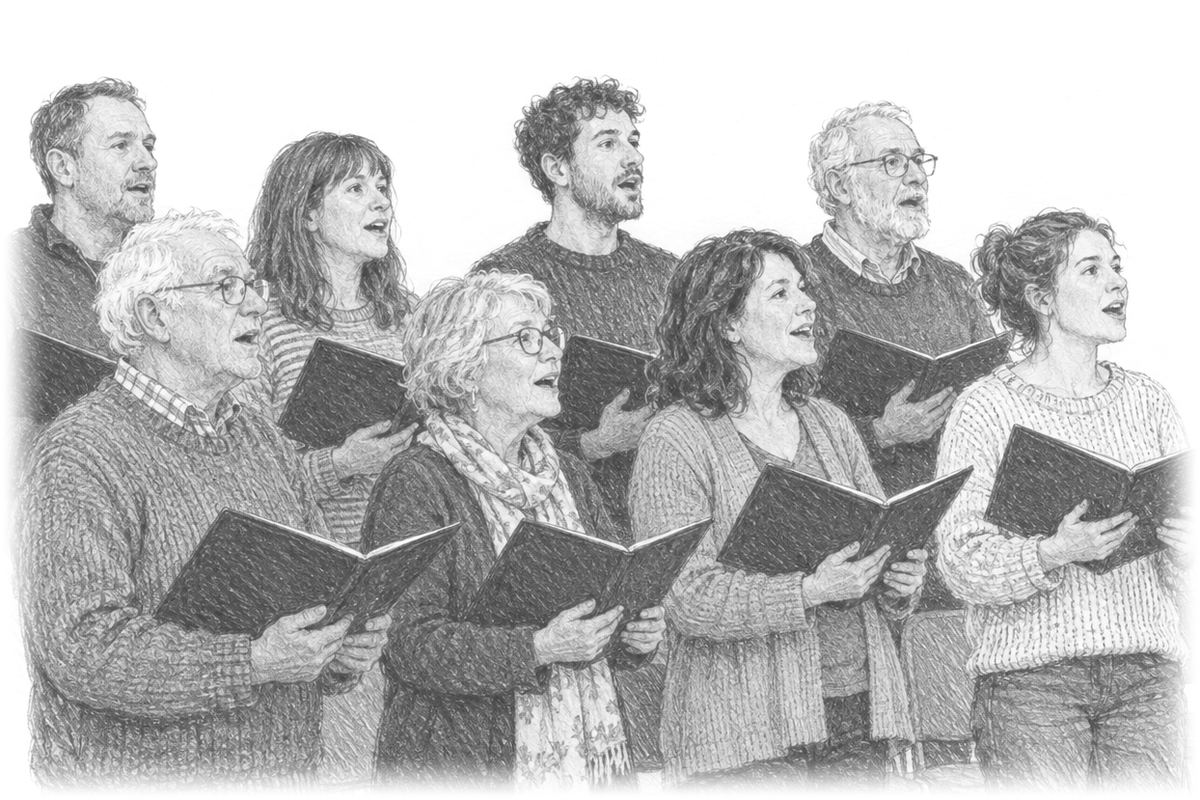
Got rehearsal notes from your conductor? That’s ab|takt: the remarks from your rehearsal, as text. You don’t need anything to read them.
If your conductor invites you to a choir in ab|takt (a link, code or QR code), you can also see the remarks in the score and hear the clips: sign in with an email code (18 and over) and join. Your conductor sees your name, part and role – never your email address. See what a remark looks like in the score
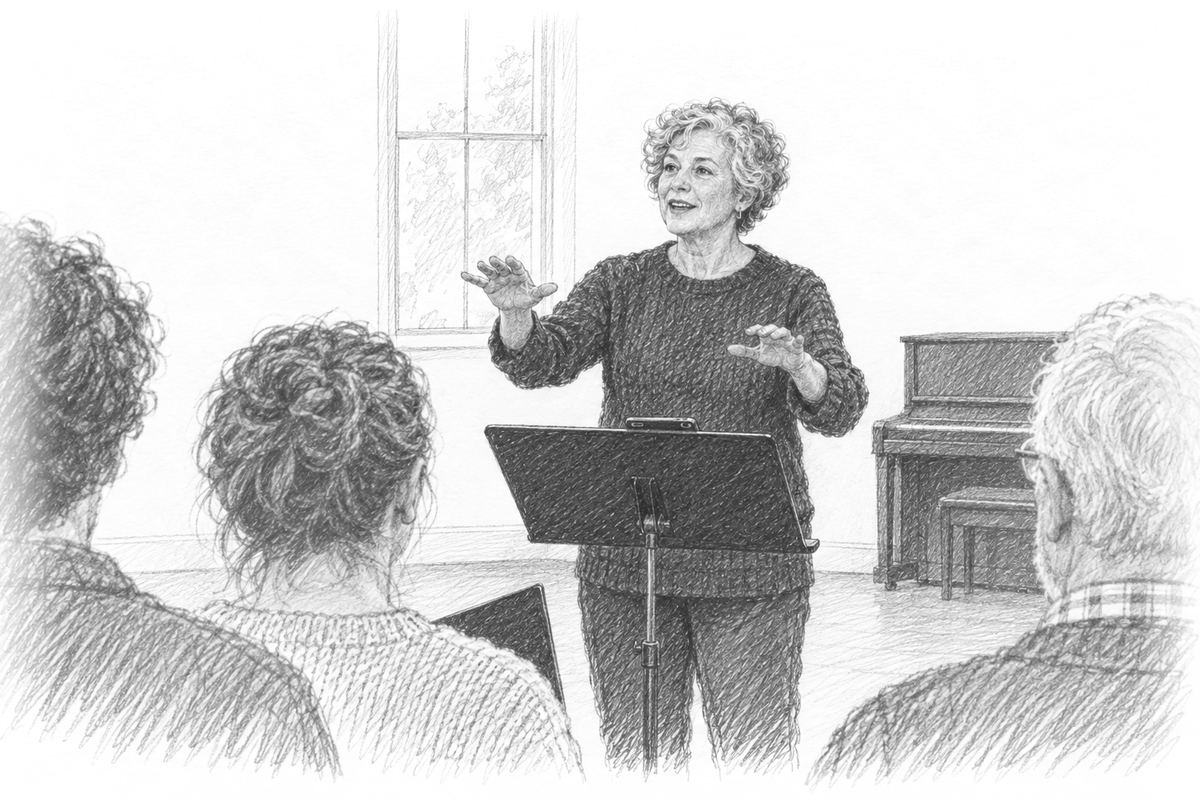
Spend less time searching for what mattered where. Give more attention to the music and the people making it.
Already use a choir app for dates and scores? ab|takt doesn’t replace it: the marked score goes into any app that opens PDFs, the remarks into any chat.
You don’t need a digital edition: a scanned PDF of the copies you sing from is enough. ab|takt puts the remarks on your own pages.
The phonetic transcription (IPA) sits right above the notes, from Latin to German dialects. If you don’t read IPA, switch to a respelling in English. For recognised works, ab|takt also explains what the words mean. You don’t need a recording: add your score as a PDF and tap “Prepare the score” – for many works ab|takt can then show the pronunciation.
We’re building ab|takt with our first choirs. Here’s what we want to explore next.
Today you can already hear each attempt at a passage – before a remark, right after it and later. Next: see what changed from rehearsal to rehearsal.
Understand pitch over time and in relation to the score – another way to listen more closely.
Personal feedback and focused practice for individual parts.
There is no waiting list: ab|takt is open now – in your browser or as an app, currently free. Viewing the example and recording work without an account. Whoever records tells the choir first.

The app for iPhone, iPad and Android keeps recording with the screen locked. ab|takt also works in the browser: abtakt.app.
Questions, or want help getting your choir started? Write to hello@abtakt.com.